E-mail to us

Do You Really Understand the Role of Ethernet Switches?

Table of Content [Hide]

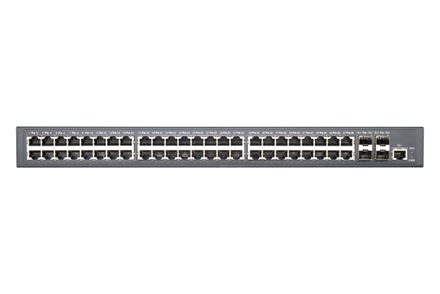
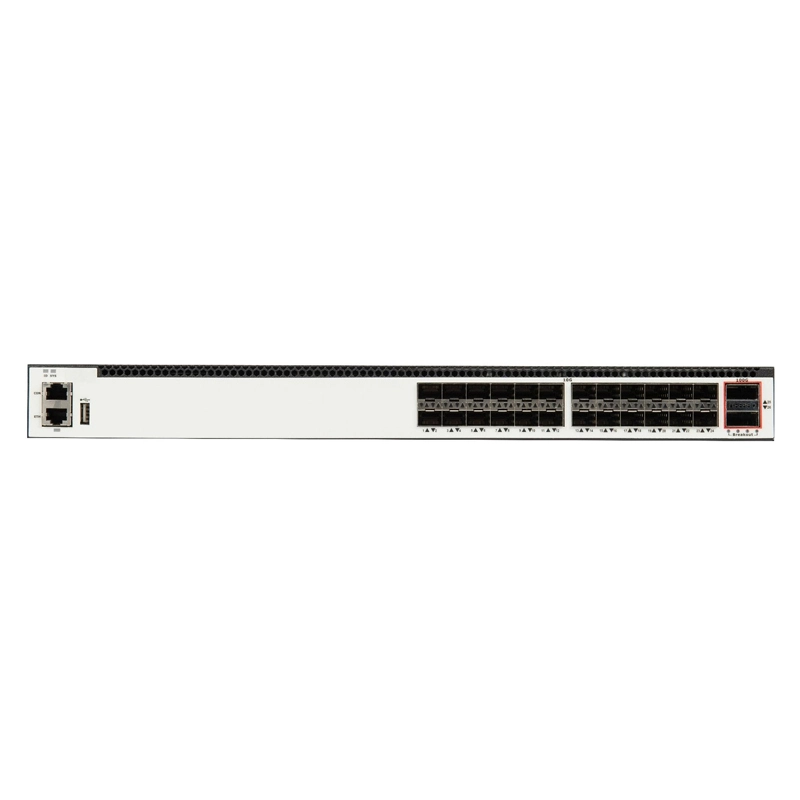
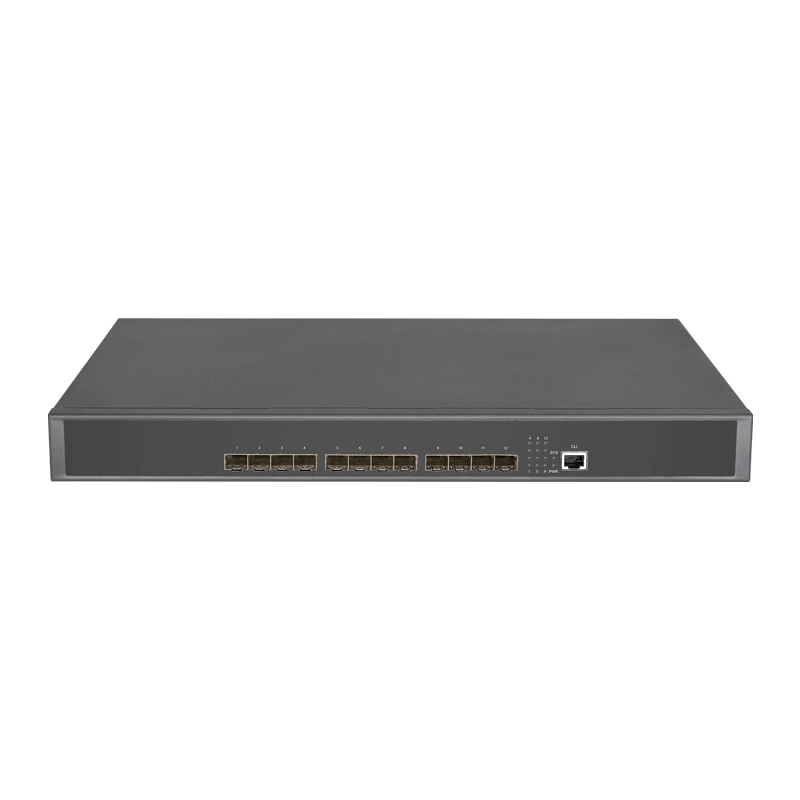
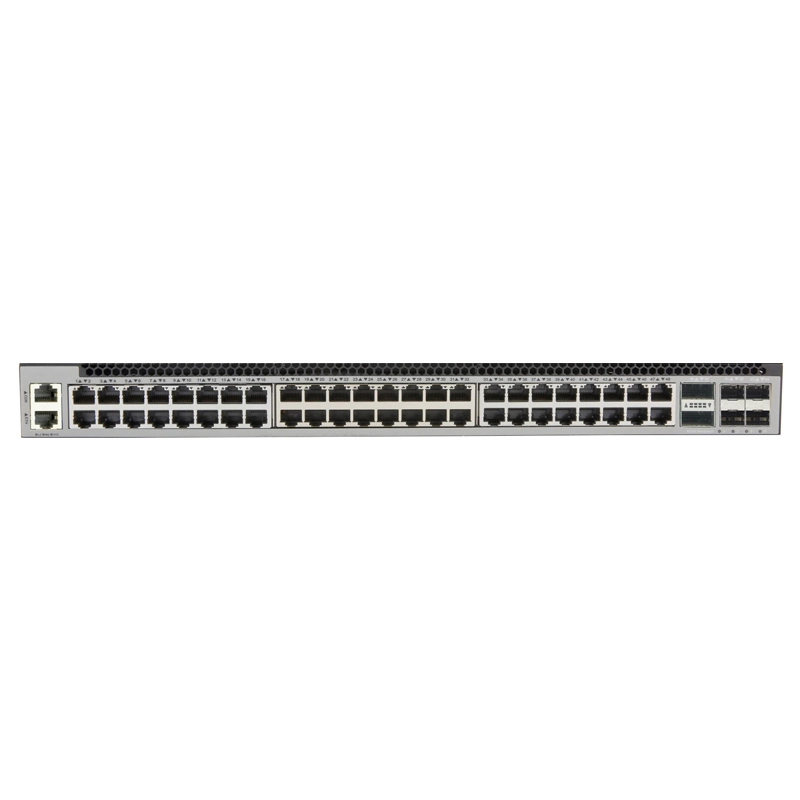
    Ethernet switches are networking devices used for data exchange and transmission, often deployed in enterprise backbones, data centers, and server rooms to support high bandwidth requirements. But do you truly understand oem ethernet switch? What are their functions? This article will provide you with detailed answers.

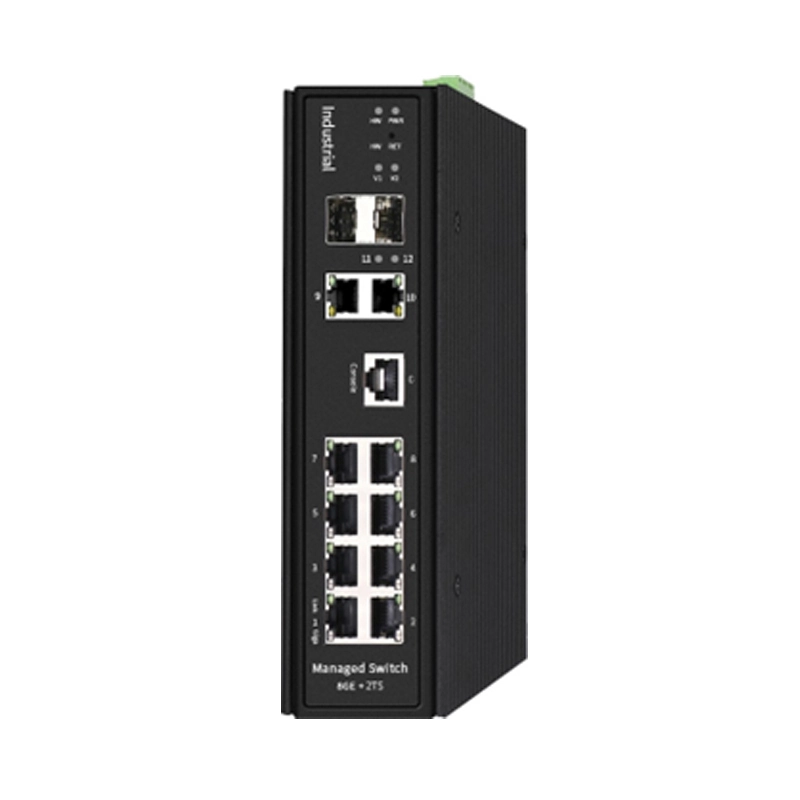
    ethernet switches

    Functions and Main Features of Ethernet Switches

    As mentioned, Ethernet switches are networking devices that implement data transmission and exchange based on Ethernet. So, what are their main features?

    1. Provide network interfaces for interconnection: The primary function of data center ethernet switch in network systems is to provide network interfaces for the interconnection between networking devices.
    2. Expand network interfaces: Generally, an Ethernet switch can have up to 48 ports, and when network demands are high, Ethernet switches can be stacked to meet the network needs.
    3. Extend network range: Ethernet switches connect to networking devices using transmission media, and depending on the networking technology adopted, the transmission distance of each transmission medium is different and limited. When the network coverage area is large, Ethernet switches can perform relays to exponentially extend the transmission distance and increase the network coverage.
    4. Ethernet switch learning function: Ethernet switches can learn the MAC address of the devices connected to each port and map the MAC address to the corresponding port, storing it in the switch's MAC address table cache.
    5. Ethernet switch forwarding/filtering function: When the destination address of a data frame is mapped in the MAC address table, it will be forwarded to the port connected to the destination.

    6. Ethernet switch loop elimination function: When an Ethernet switch includes a redundant loop, it can avoid creating loops through the Spanning Tree Protocol and allow for backup paths.


    Precautions for Using Ethernet Switches

    To ensure the Ethernet switch, a type of network switch oem, works properly and lasts a long time, please pay attention to the following:

    1. Place the Ethernet switch in a ventilated, dry area with less dust and weak electromagnetic interference;
    2. When placing the Ethernet switch, please ensure its stability to avoid unnecessary losses caused by a fall;
    3. Leave enough space around the Ethernet switch for normal heat dissipation;
    4. Do not place heavy objects on the Ethernet switch;
    5. Ensure the Ethernet switch is grounded during use;
    6. The power voltage of the power cord must meet the input voltage range of the switch to ensure proper power supply.


    Conclusion

    With continuous performance improvement and cost reduction, Ethernet switches are now widely used in enterprise networks and data centers.


    References
    Products
    Latest Industrial Network Switch News
    Feb
    21
    2025
    Feb 21 2025
    How to Distinguish Between Layer 2 Switches and Layer 3 Switches
    The main differences between layer 2 switches and layer 3 switches lie in the OSI model layers at which they operate and their functions. They can be distinguished from the following aspects.1. Operat...
    Read More
    How to Distinguish Between  Layer 2 Switches and Layer 3 Switches
    Sep
    05
    2024
    Sep 05 2024
    Data Center Ethernet Switch: Powering Data Traffic
    Fibridge's data center Ethernet switch is a crucial device in data center networks, responsible for the high-speed, reliable transmission and switching of Ethernet data packets. These switches are...
    Read More
    Data Center Ethernet Switch: Powering Data Traffic
    Aug
    22
    2024
    Aug 22 2024
    Network Switch OEM: Future Design
    Fibridge's Network Switch OEM (Original Equipment Manufacturer) refers to a production model where switches are manufactured by one company (the OEM) but sold under the brand label of another comp...
    Read More
    Network Switch OEM: Future Design
    Beijing Fibridge Co., Ltd.
    steven@fibridge.com
    8610-58858988
    A402, Power Creative Bldg, No.1, Shangdi East Road, Haidian, Beijing, China
    A402, Power Creative Bldg, No.1, Shangdi East Road, Haidian, Beijing, China
    steven@fibridge.com 8610-58858988